
TelegramGeeks Pro for Windows
Deploy the ultimate standalone desktop automation workstation. Built with hardware-bound DPAPI encryption, embedded high-speed SQLite, and direct socket MTProto concurrency.
email & password) work seamlessly on the Windows Desktop App. All active sessions, campaigns, and licenses sync automatically!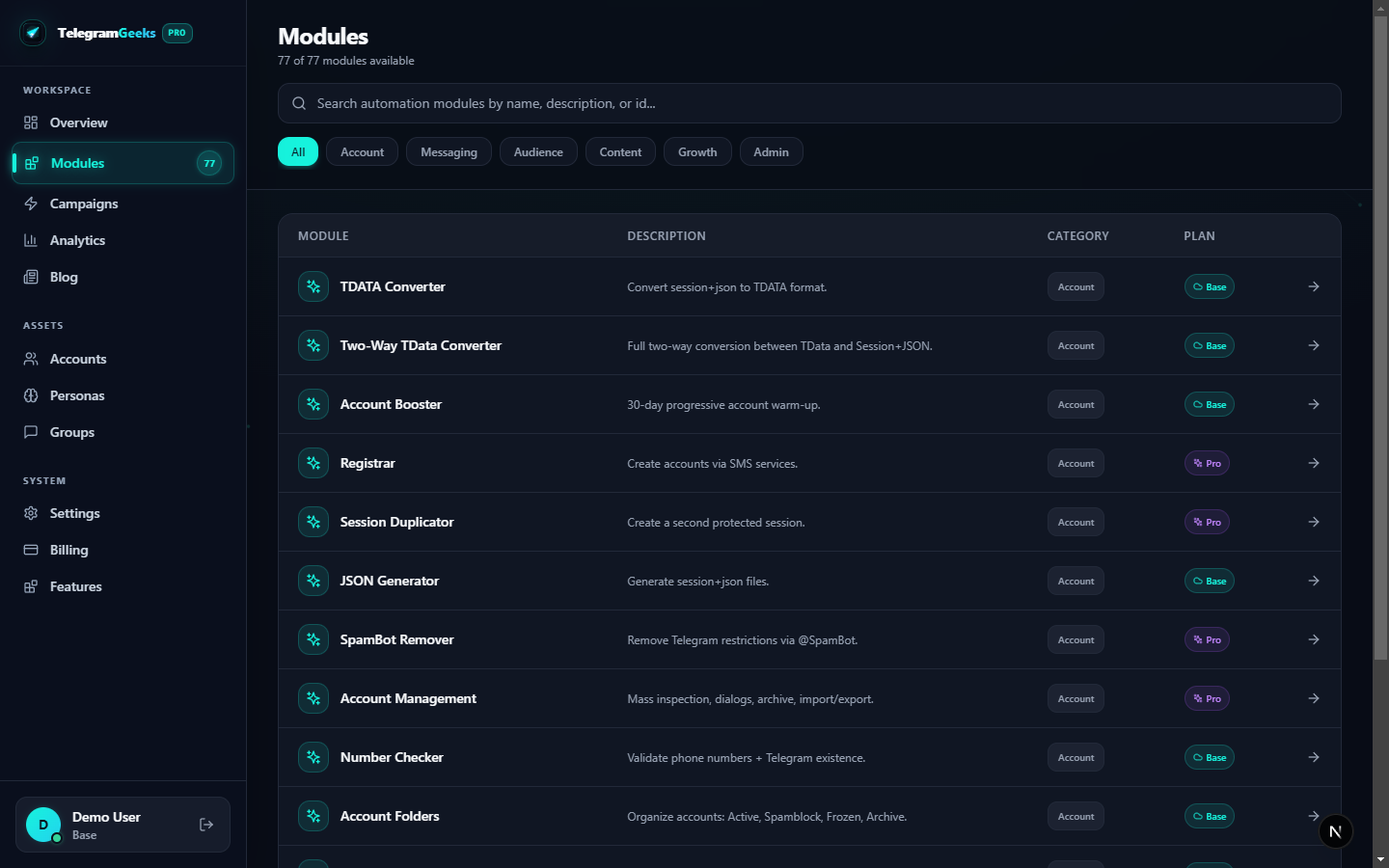
How to Install & Get Started
Up and running in less than 2 minutes on your Windows workstation
Download & Run Setup
Download TelegramGeeks-Pro-Setup.exe and run the installer. Follow the standard Windows installation wizard.
Sign in with Web Account
Launch the application and enter the exact same email & password used on your web dashboard. Your license activates automatically.
Start MTProto Automation
Import your TData sessions or register virtual SIMs, attach your 4G mobile proxies, and launch scraping or outreach campaigns.
Dual Execution: Web Cloud vs Windows Desktop
Use whichever client suits your workflow — or use both simultaneously!
| Feature / Capability | Web Cloud Dashboard | Windows Desktop Workstation |
|---|---|---|
| 77 MTProto Automation Modules | ||
| Autonomous AI Persona Warming | ||
| Unified Account & Lead Management | ||
| Hardware DPAPI Token Encryption | — | |
| Offline Standalone Local SQLite | — | |
| High-Concurrency Raw Socket Pooling | Cloud Tier | Unlimited Local |
| Zero Cloud Data Leak Risk | Encrypted Cloud | 100% On-Device |
System & Hardware Requirements
Frequently Asked Download & Licensing Questions
Will my Web App account work directly on the Windows App?
Yes, absolutely. Your email, password, active license tier, campaigns, and saved sessions are 100% unified. You can log into both Web and Desktop with the same account.
Can I run the Windows app offline or without cloud connection?
Yes. The Windows Desktop Suite has an embedded local SQLite engine that operates completely on your physical machine with hardware DPAPI encryption.
How do software updates work?
The Windows Desktop client has an integrated auto-updater that verifies new releases directly from our secure servers and applies patches in seconds without losing your session database.